01
Bring your product.
Paste your store website to find products, or upload a product photo. No Shopify connection needed.
Create branded posts for Instagram and WhatsApp with your own product photo.
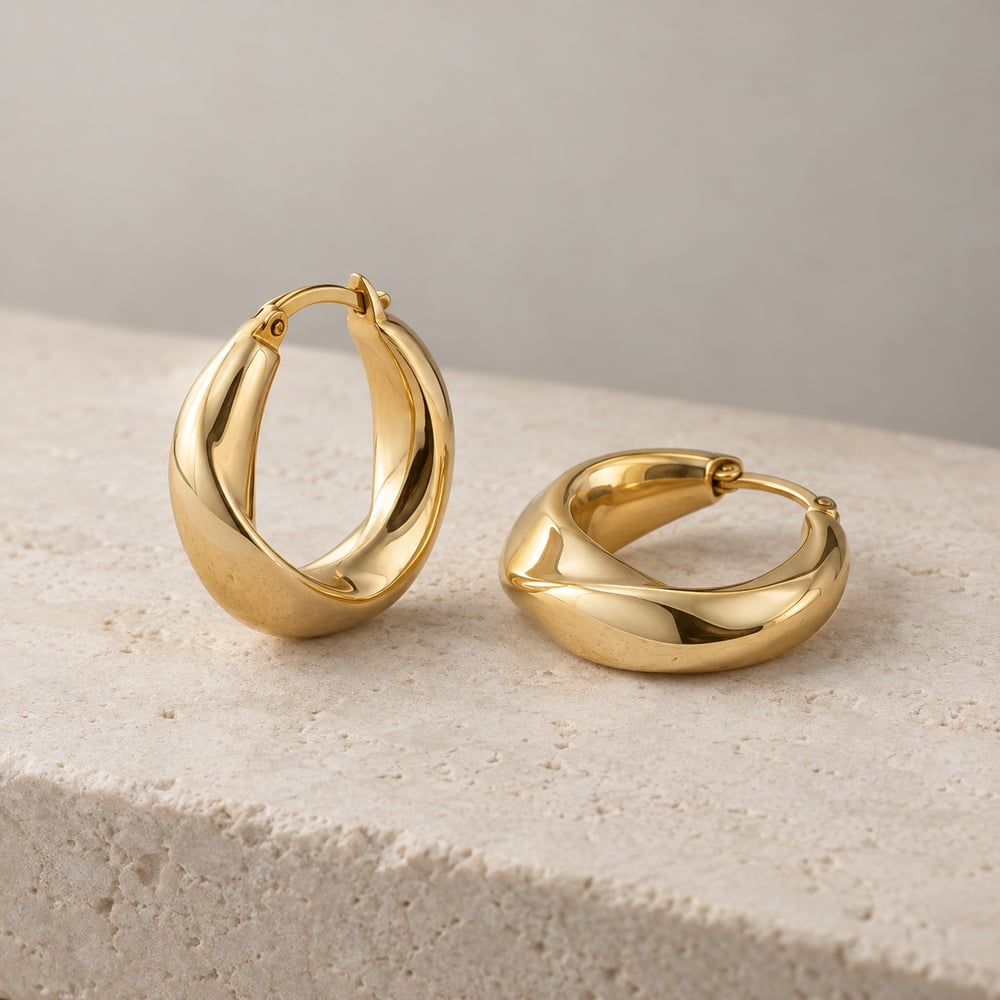
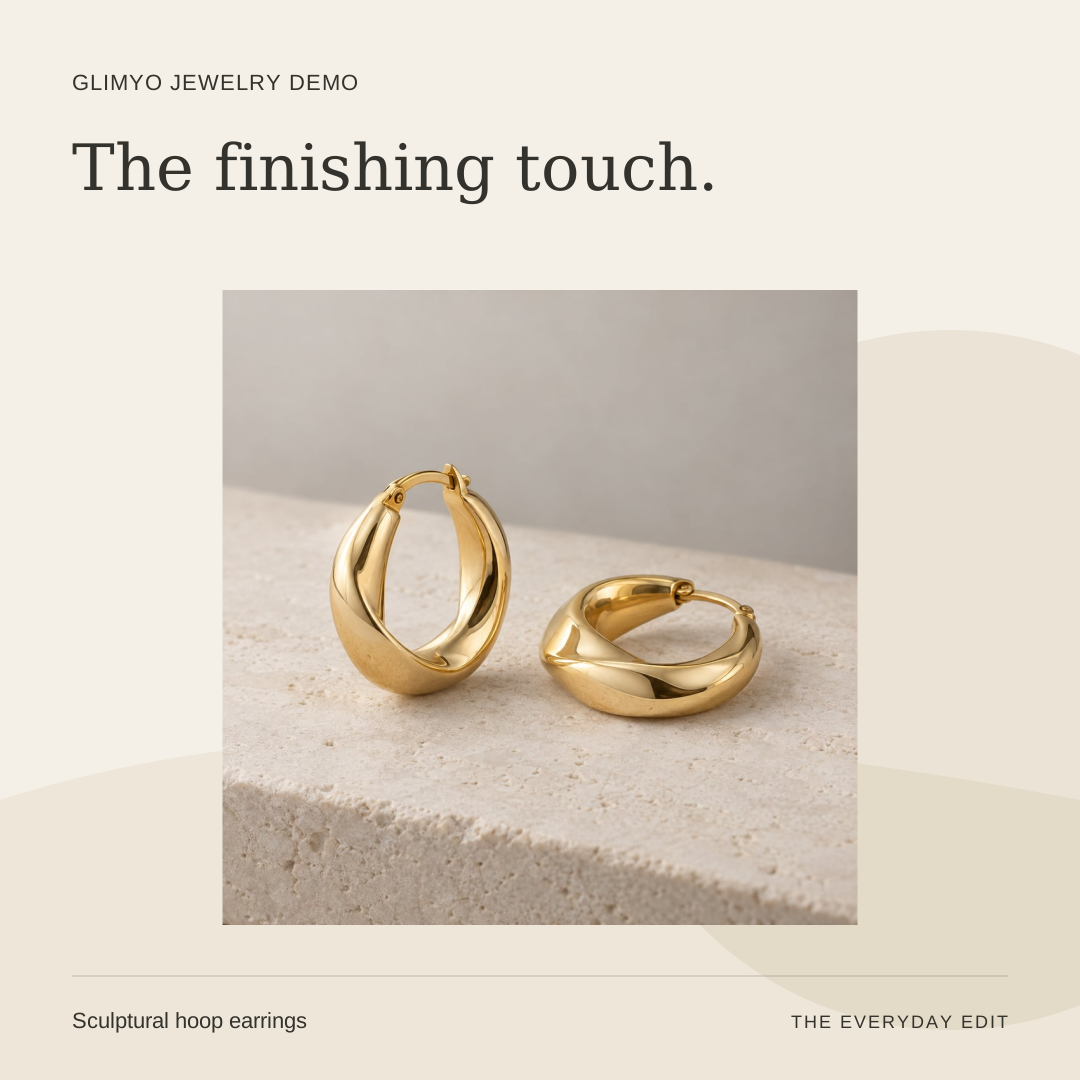
Fictional demo product · Actual template output
Less staring at a blank canvas.
More putting your brand out there.
You know your product best.
Glimyo helps it look the part.
Paste your store website to find products, or upload a product photo. No Shopify connection needed.
Confirm the suggested product details and add your brand name. We’ll suggest the scene, headline and caption.
Review your creative, make the caption yours, and download a PNG that’s ready to share.
A quiet studio. A touch of green. Something a little bolder. Start with a considered layout, then make it unmistakably yours.
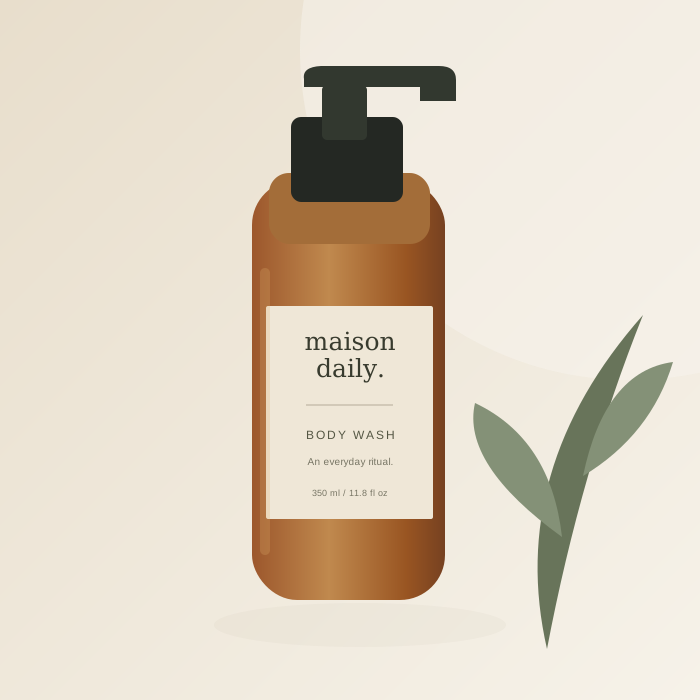
From skincare to sneakers, see the starting image, finished template, and sample caption. Pick a category, then try three social sizes.
Skincare / Amber dropper bottle / Portrait
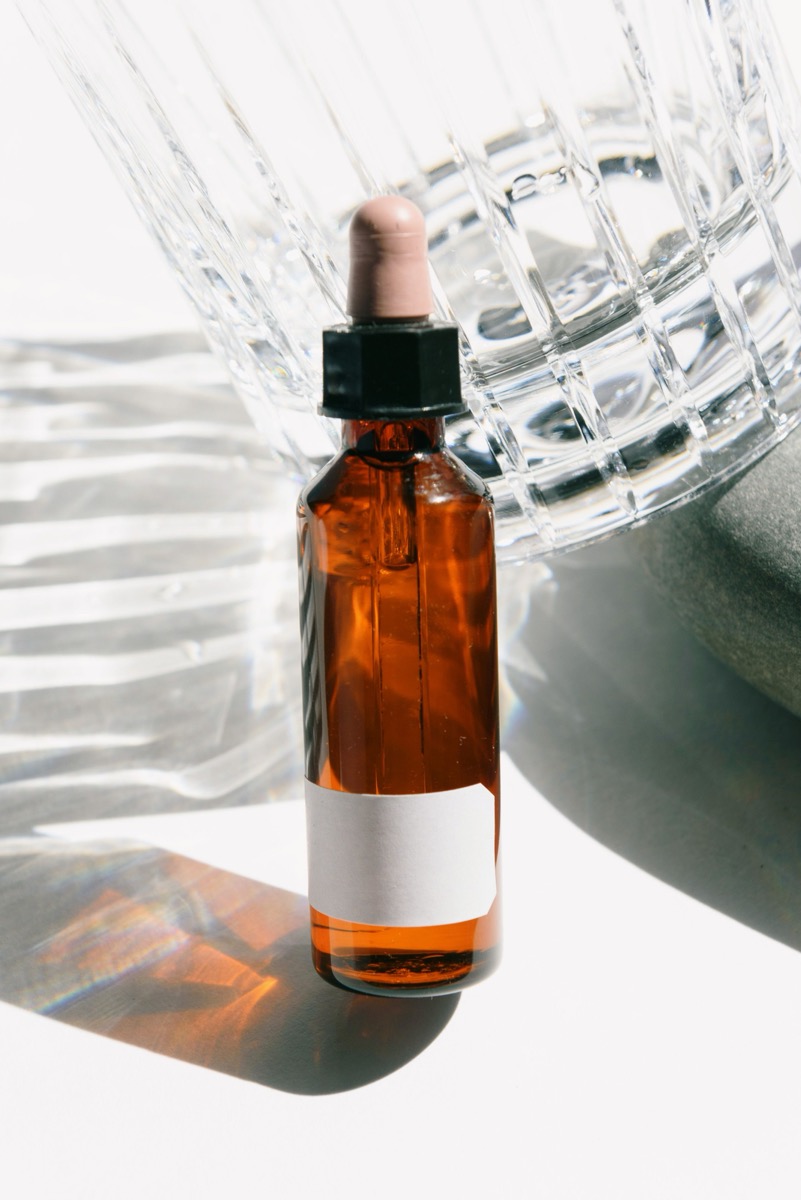
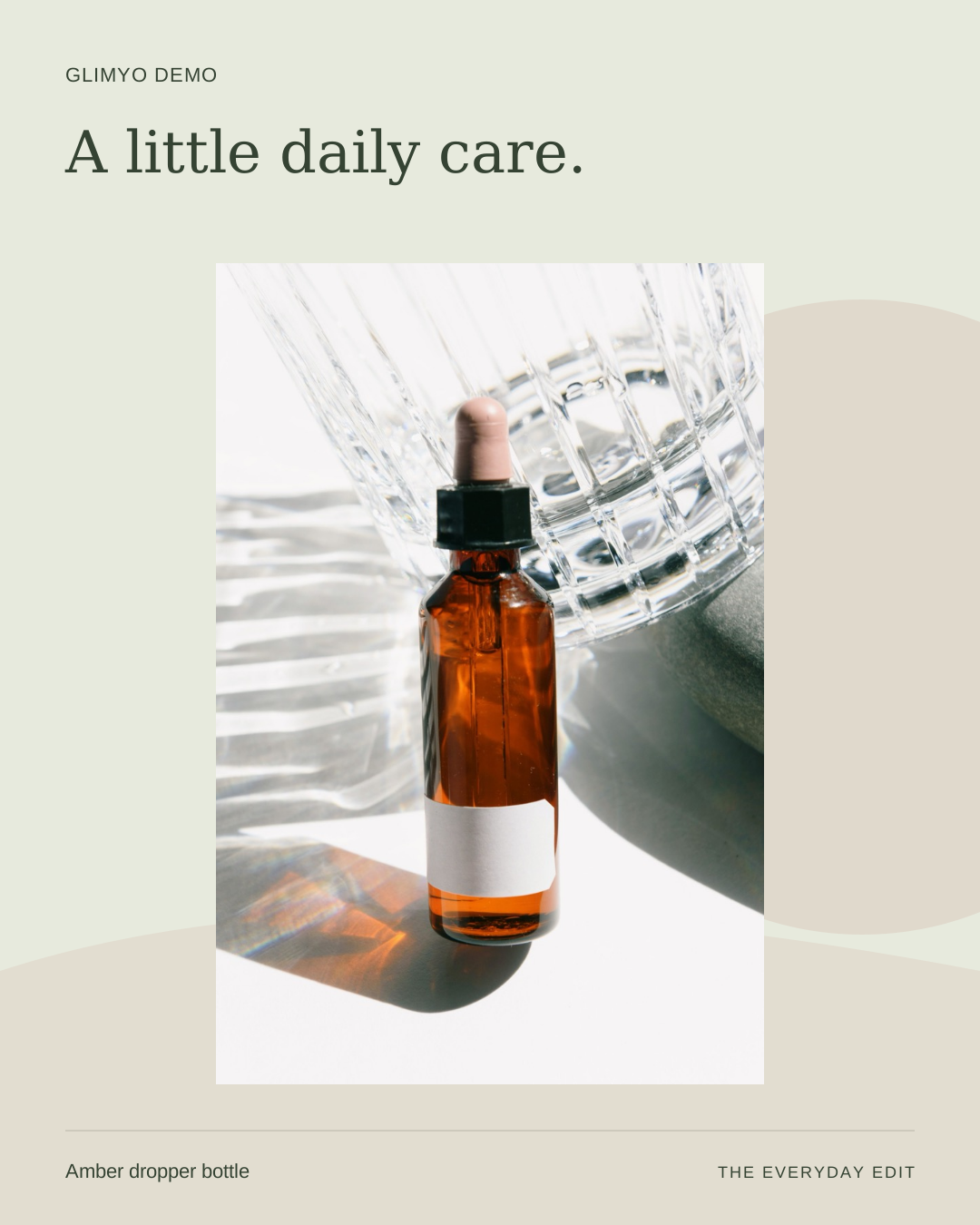
A closer look at the details. Explore our amber dropper bottle and find the full product information in our shop.
Example copy for a fictional demo product. Add your own product details before publishing.Demo photo by Ksenia Chernaya / Pexels, used under the Pexels license. Glimyo Demo is a fictional brand used to demonstrate the product.
These examples add a layout around the original photo. AI scenes generate a different setting and need a separate review.
Follow the complete photo-to-post tutorialCreate branded product posts in square, portrait, and story sizes. Upload your photo, choose a template or AI product scene, edit the caption, and download a PNG.
No. Start with a layout and your product photo. Your brand colors, headline, and scene direction make it your own.
Yes. Glimyo is in early access. Brand templates are available without AI credits, and your studio shows your included AI scene allowance before you create.
Yes. Sign in with an SMS code to your phone number. Use the same number on another device to return to your brand, products, and saved creations.
You can download and share your content through your usual tools. Direct Instagram publishing is currently available to approved pilot accounts; other accounts can use guided sharing.
No card. No blank canvas. Just a place to begin.
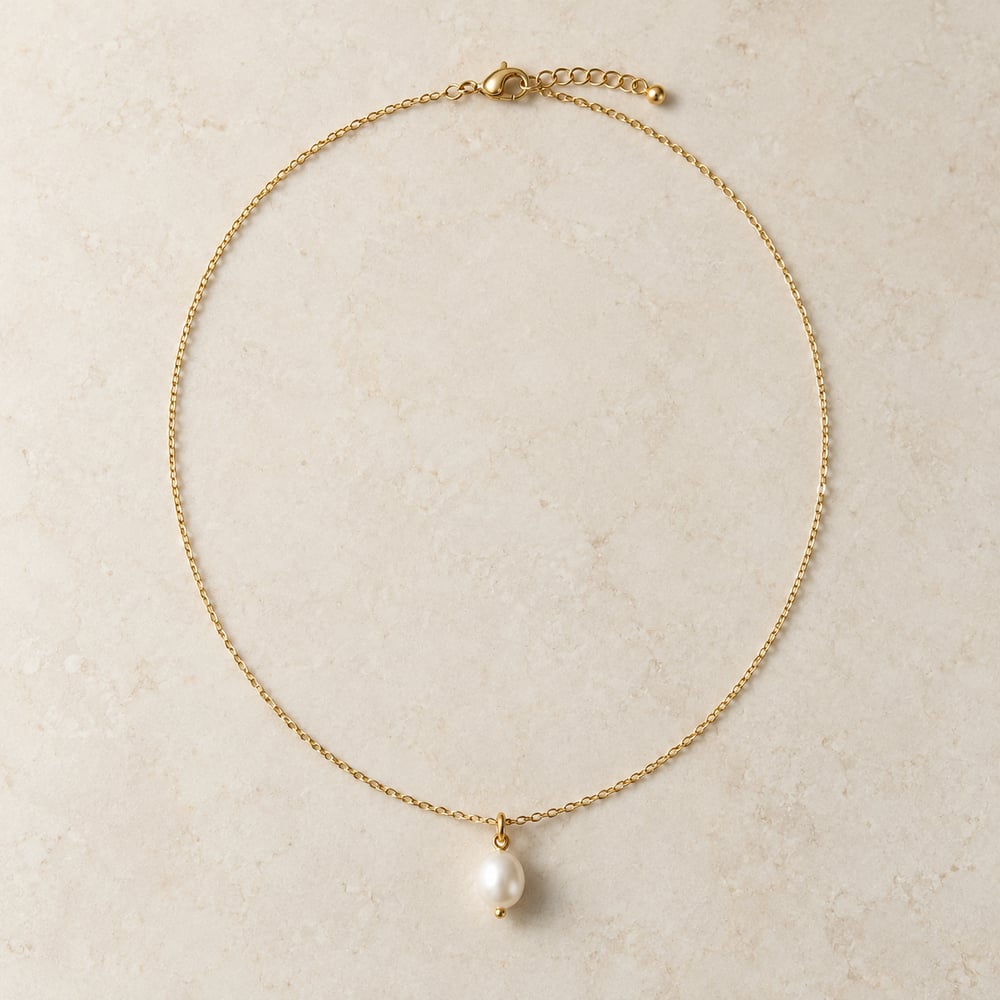
Launch, spotlight, and gifting posts.
Make my free posts →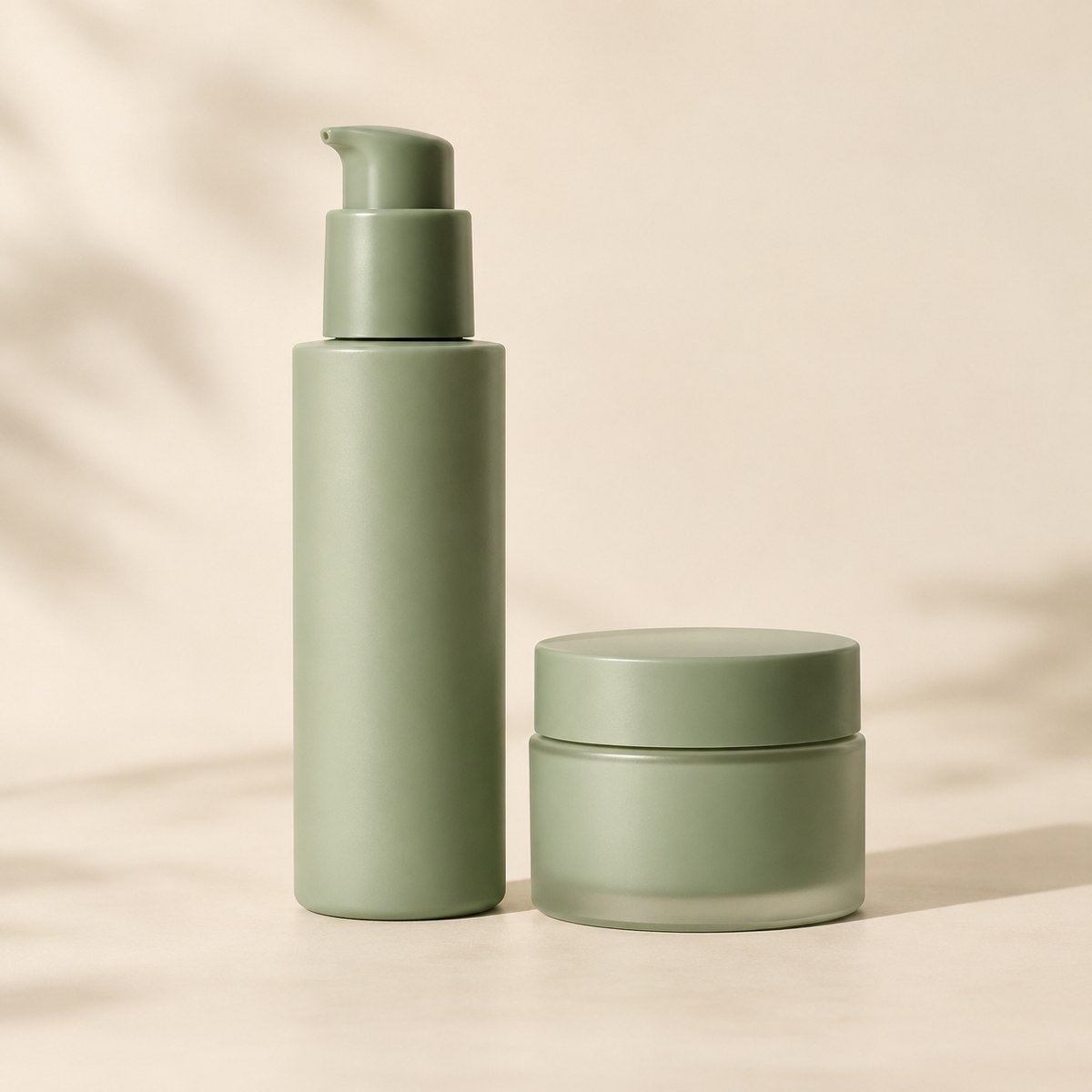
New arrivals, product stories, and routines.
Make my free posts →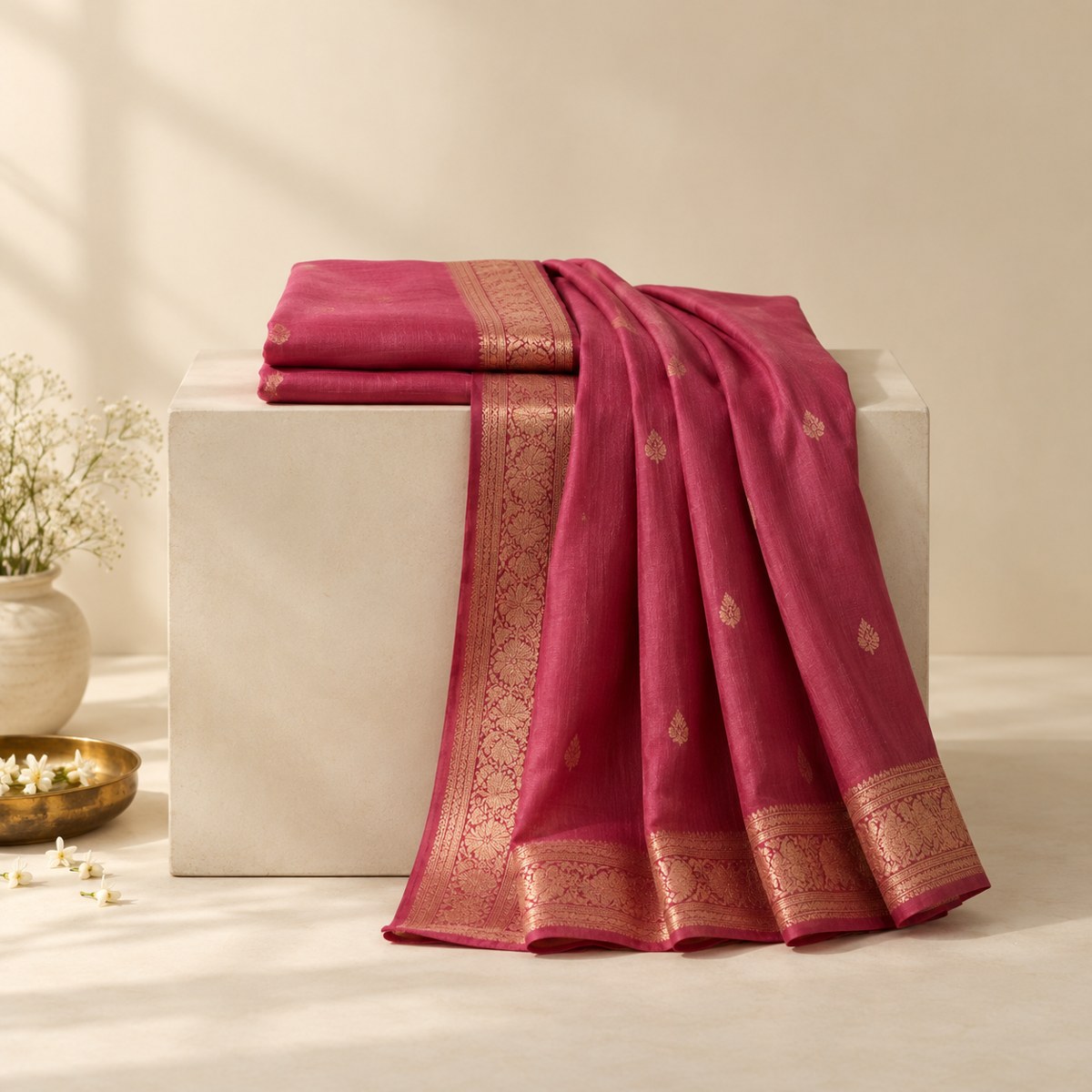
Collection, festive, and detail posts.
Make my free posts →Illustrative fictional products. Create your pack with your own photo.