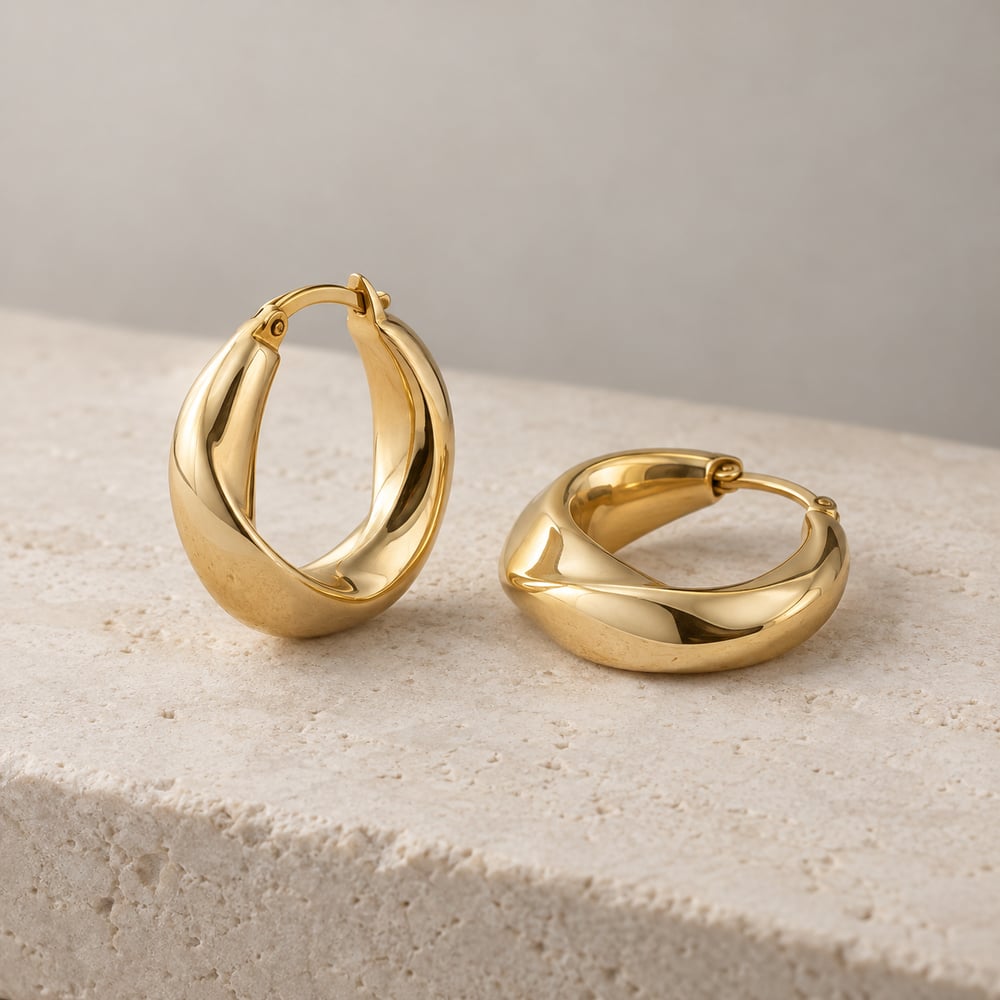
FOR JEWELLERY BRANDS IN INDIATurn jewellery photos into
Turn jewellery photos into
Instagram & WhatsApp posts.
One product photo. Three branded posts. Add your name, colour, and price in rupees, then get a free starter pack for your next launch, product highlight, or gifting edit.
Make my free posts Preview before signup No card or AI credits
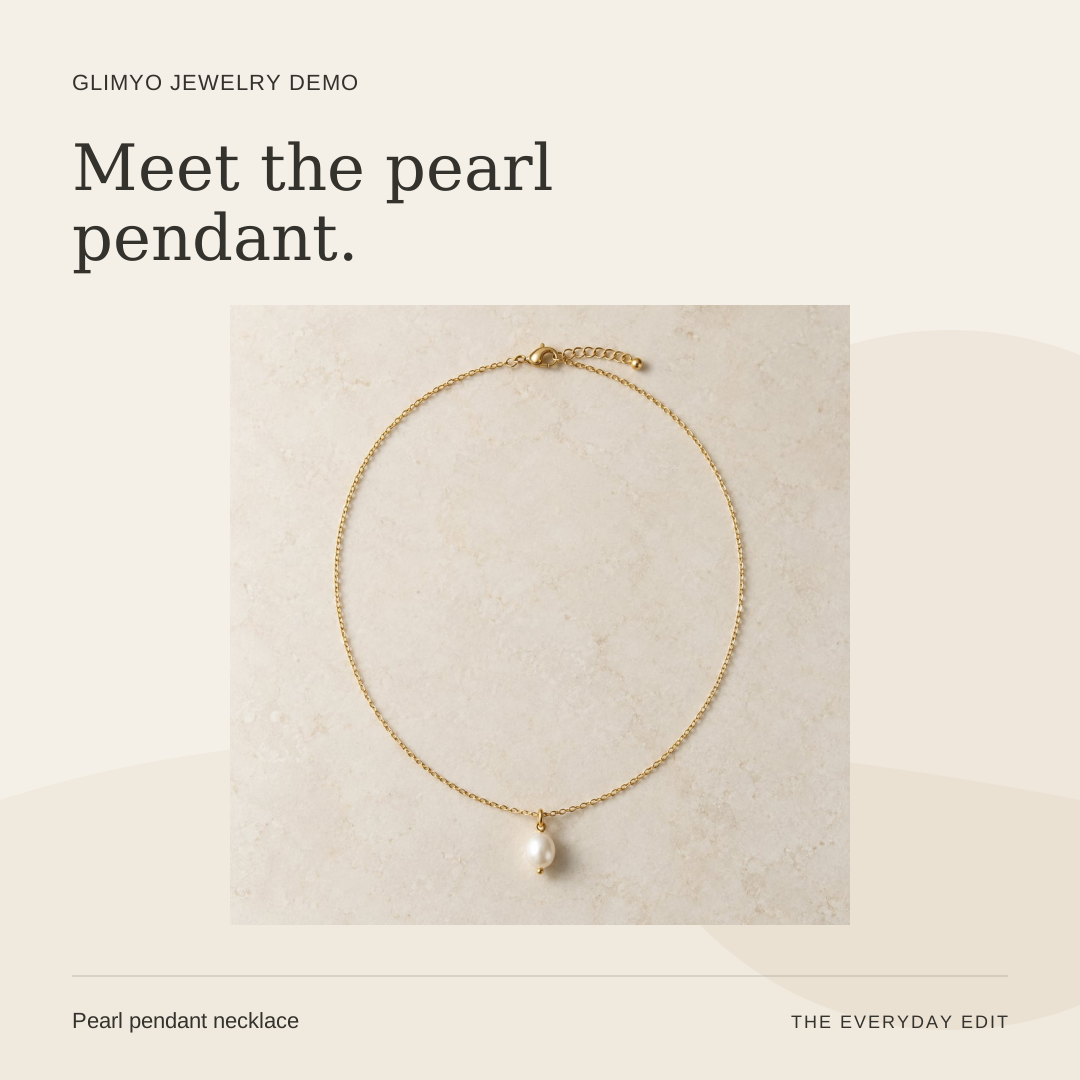
- 1 · Add photo
- 2 · Preview & sign in
- 3 · Save & share
Start with your own photo.
Original photo. Branded layout. Captions you can edit. Download PNGs and post through your usual apps.
Opening your starter pack…
Give each piece its own moment.
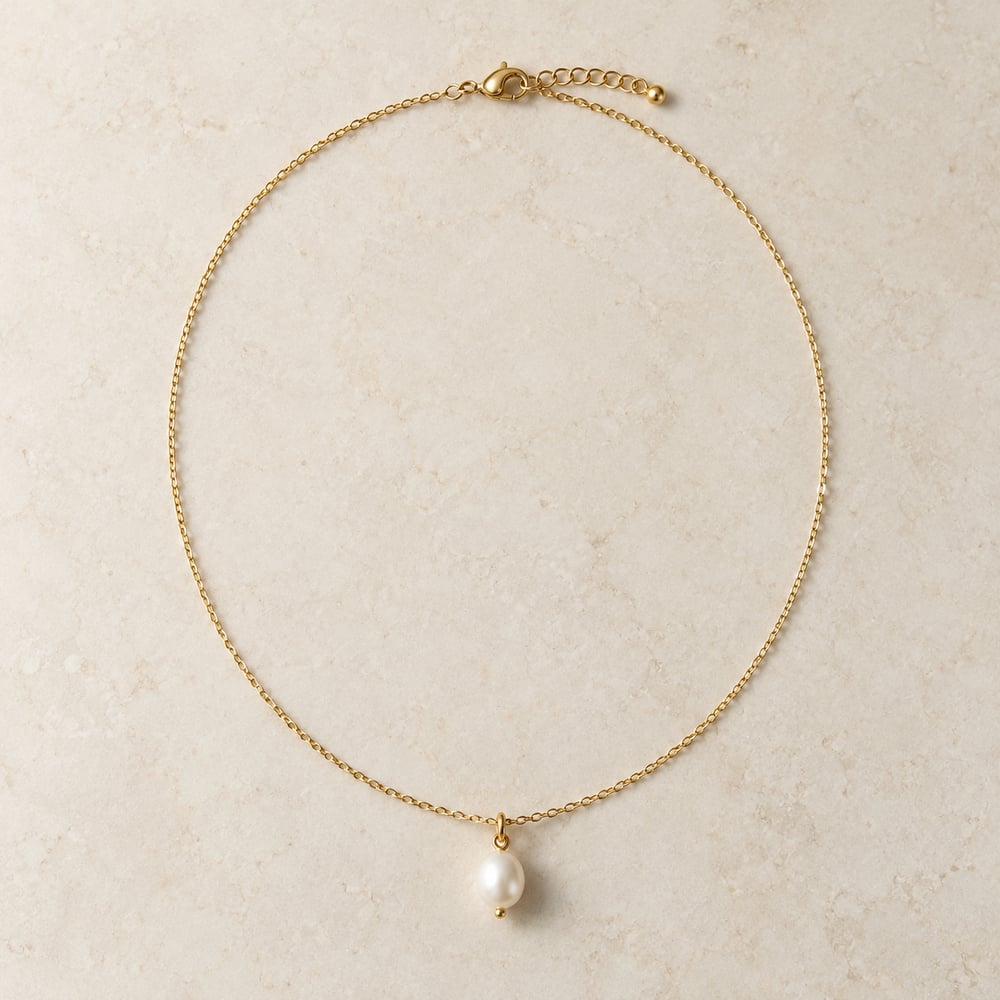
Layered necklaces
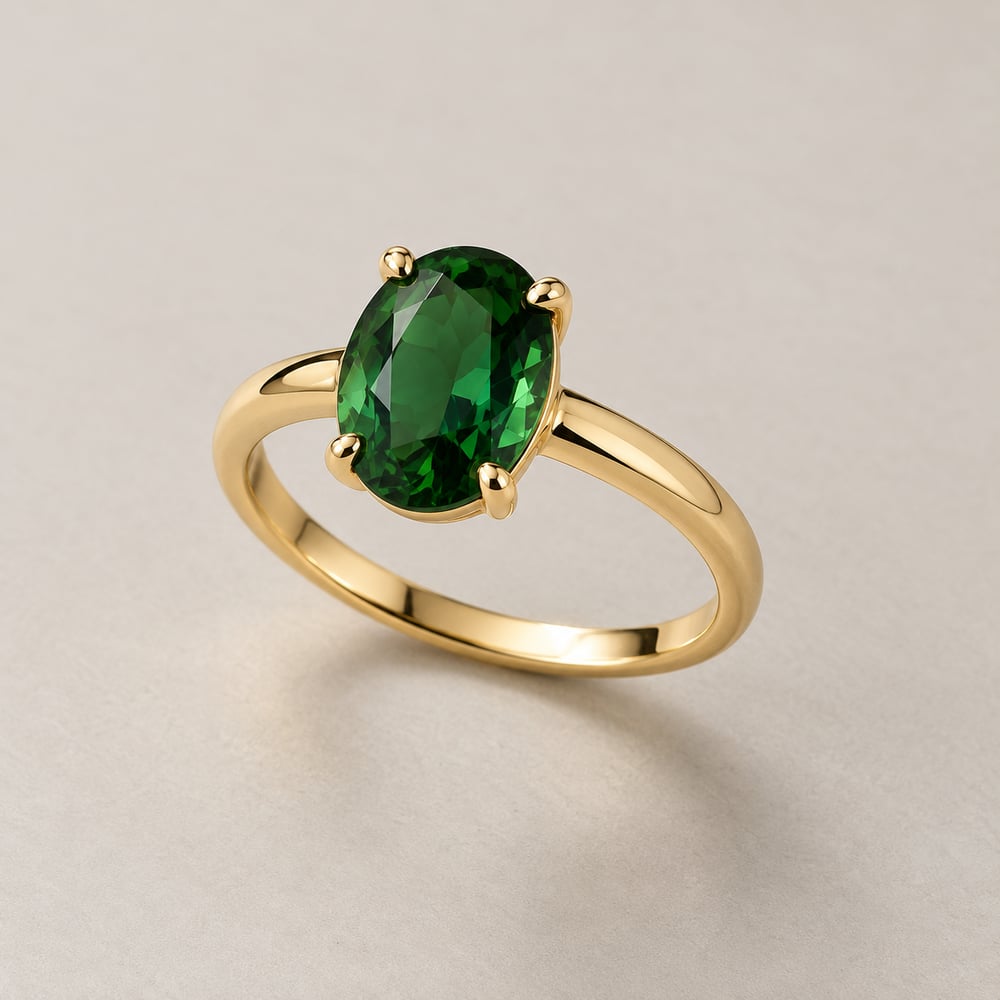
Statement rings
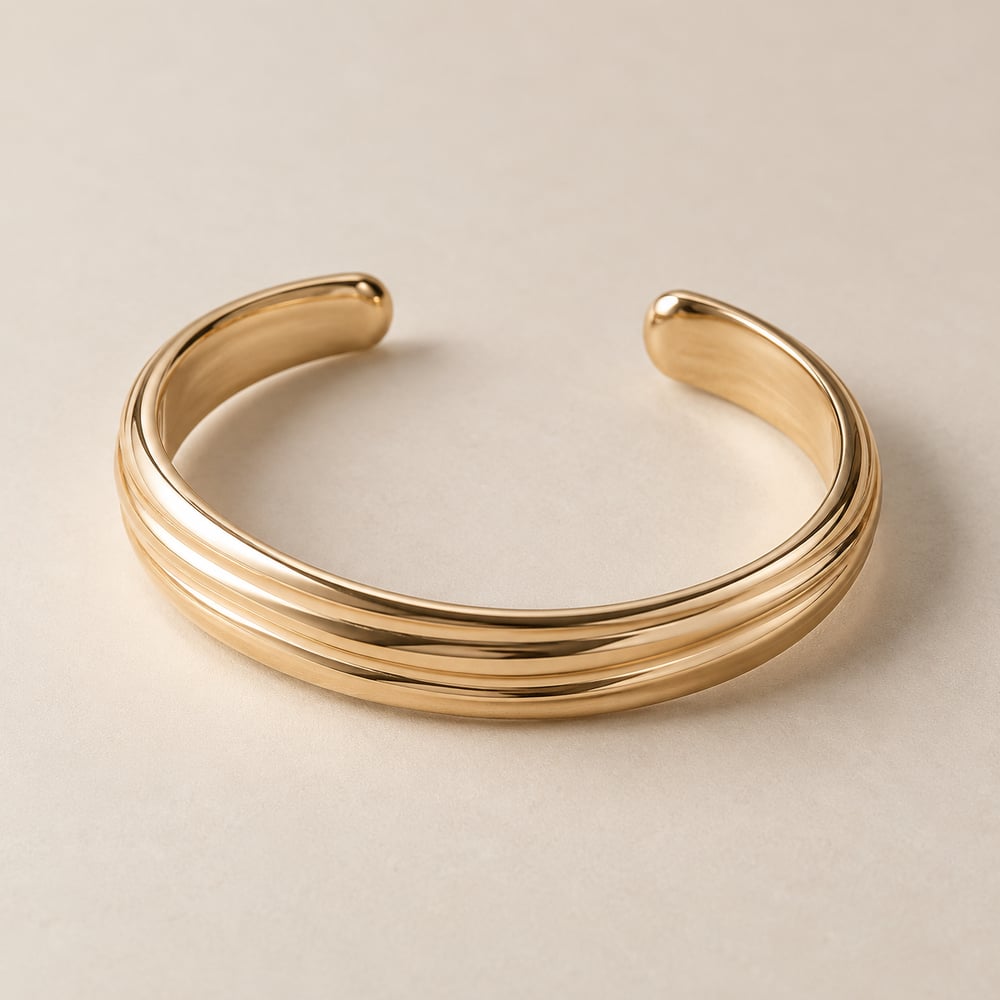
Everyday bracelets
AI-generated fictional products for demonstration. Your starter pack uses your own photo, resized when needed.
A few things to know.
Is the starter pack free?
Yes. You get three template posts with editable captions, without a card or AI credits. Fair-use limits apply: up to 20 packs per account in a rolling 24 hours, subject to service capacity.
Will it change the jewellery in my photo?
Your original photo goes inside a branded layout. Large photos are resized for mobile. It does not redraw the jewellery, remove backgrounds, or simulate someone wearing it. Use a clear photo with the background you want to show.
Can I use it for Instagram and WhatsApp?
Prepare a square, portrait, or Story / Status PNG, then use your phone’s share menu where supported or download the file. Copy the caption separately if your social app does not include it.
Do I need Shopify?
No. Upload a photo directly from your phone or computer. Your saved product and posts will also be available in your Glimyo studio.
Which languages are supported?
This starter pack generates English headlines and captions. You can edit the caption before sharing.