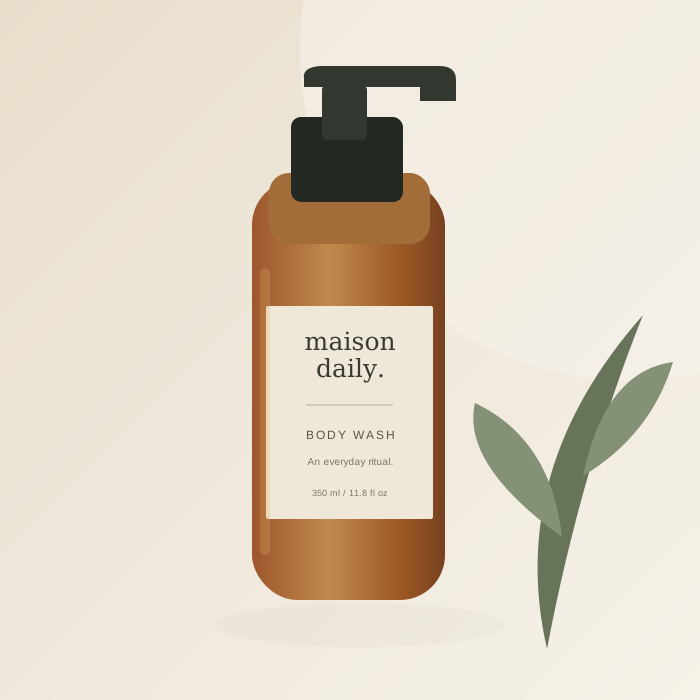
1. Gather the essentials
Choose a product photo with readable packaging and even lighting. Have the product name, current price, currency, and two or three factual selling points ready. Save those details with the photo so you can reuse the product in future posts. Editing the product later affects new creations; it does not rewrite saved creatives.
2. Give the post one clear message
Select everyday content, a product launch, or a promotional spotlight. Write a headline that can be understood quickly at a small screen size. A short phrase works better than putting an entire product description on the image. Keep the supporting details in the caption.
3. Compose and review
Choose a layout and social format. Start with a brand template to keep your uploaded image, or describe an AI scene if you want a different setting. Check the generated image, headline, logo, and product name. For AI images, look especially closely at labels, proportions, and any details that could misrepresent the product.
4. Edit the words, then export
Refine the headline and caption in the saved creative. Read the caption aloud, remove unsupported claims, and make the next action clear. Save your changes, then copy the caption and download a PNG in square, portrait, or Story size. Preview the image in your publishing tool before posting, especially around areas covered by interface controls.